
Send test emails from Product Agents settings
Product Agents now lets you send test emails directly from the Tone of Voice settings and the agent popup. Tweak a prompt or tone, fire off a test, and see the generated result right away. Tests are free.
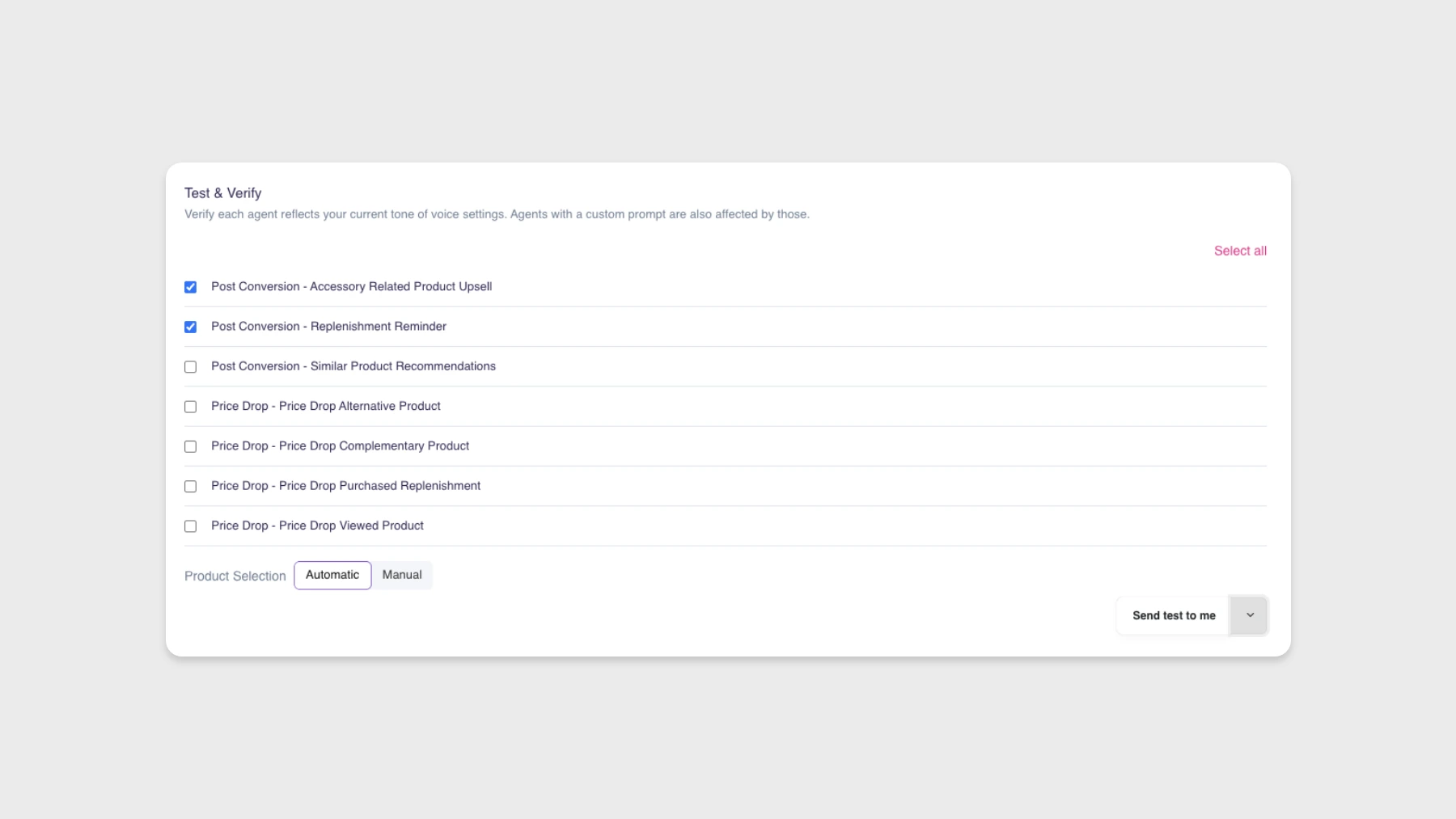
Product Agents now lets you send test emails directly from the screens where you’re already working on your setup. Tweak a prompt or a tone setting, send a test, and see the generated email right away.
Where you can send tests
- Tone of Voice settings. See how your tone and language choices change the generated output.
- The agent popup, next to custom prompts. Test a specific agent against its current configuration, including changes you haven’t saved yet.
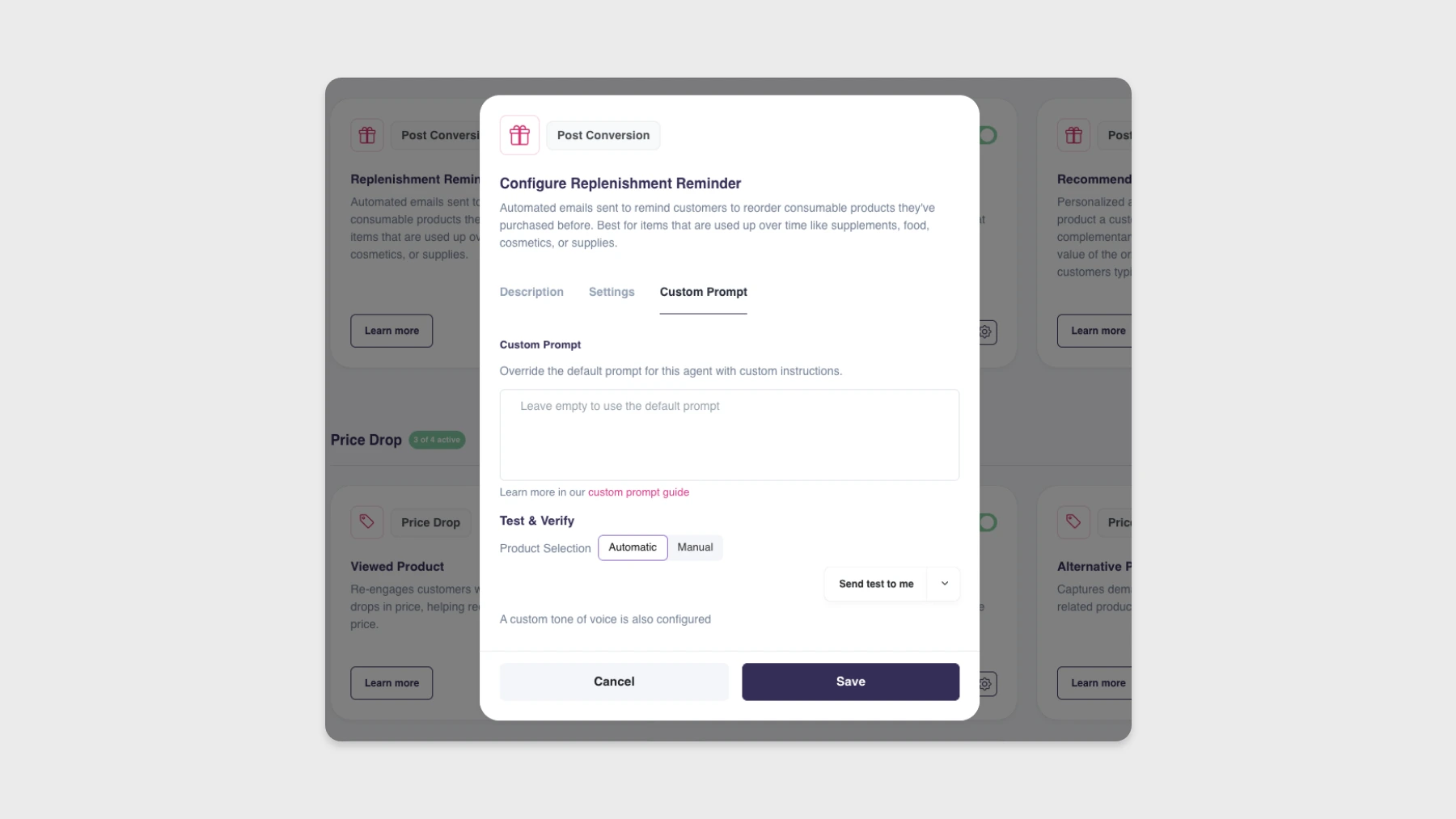
How it works
When you send a test, you pick a recipient from the test emails defined in your Product Agent settings. You’ll see a live status while the test is being generated, and a success message once it’s delivered. Test messages appear in the message overview, clearly marked so they’re easy to spot.
Test sends are free. No credits are consumed.
Why it matters
Iterating on prompts and tone used to be a slower loop: change a setting, hope it improves things, wait to see real sends. With in-place test sending you can experiment in real time without burning credits or risking an accidental email to a real customer.
Availability
Available to all Hello Retail customers using Product Agents.