Product Agents: Exclude products with Product Filters
Product Filters keep specific products or whole product groups out of Product Agent recommendations. Each agent gets its own filters, and you can also disable a single product at the product level so it never appears in an agent email.
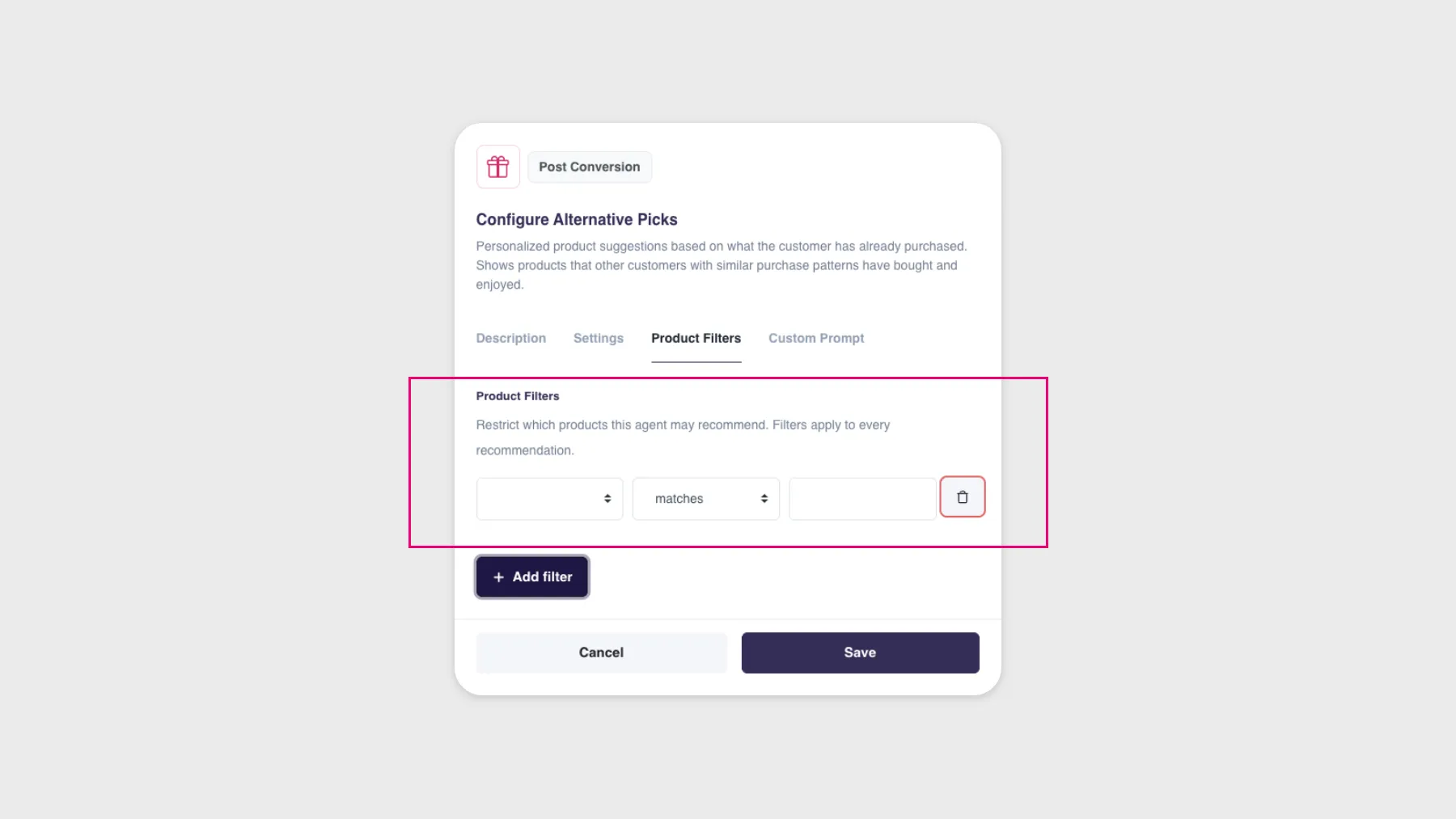
You’ve always been able to shape what Product Agents recommend through agent type and configuration, but there was never a way to just say “never recommend this one.” Now there is.
Keep products out of agent recommendations
Product Filters let you keep specific products or whole product groups out of agent recommendations completely. Discontinued lines, low-margin products, seasonal items that are out of stock, anything you’d rather not see in an automated email simply won’t show up.
Filters are set per agent
Each agent gets its own filters. Instead of setting eligibility across the board, you can get granular and decide what’s eligible for each agent individually.
Already using Hello Retail Recommendations?
If you have Hello Retail Recommendations, there’s a similar setting for when you want to filter products in recommendation boxes.
Disable a single product
You can now disable a single product for Product Agents, the same way you already can for other features. Once it’s off, that product won’t appear in any Product Agent emails, and buying it won’t trigger a post-conversion message either. You’ll find the setting at the product level in Product Lookup.
Handy for one-off products you want to quietly keep out of your automated emails, without touching your broader filters.
Availability
Available to Hello Retail customers using Product Agents.
