
Product Agents analytics, now from your AI assistant
New MCP tools let your AI assistant report how your Product Agents perform: messages sent, revenue, and engagement rates, agent by agent and day by day. The numbers match the Product Agents Analytics page.
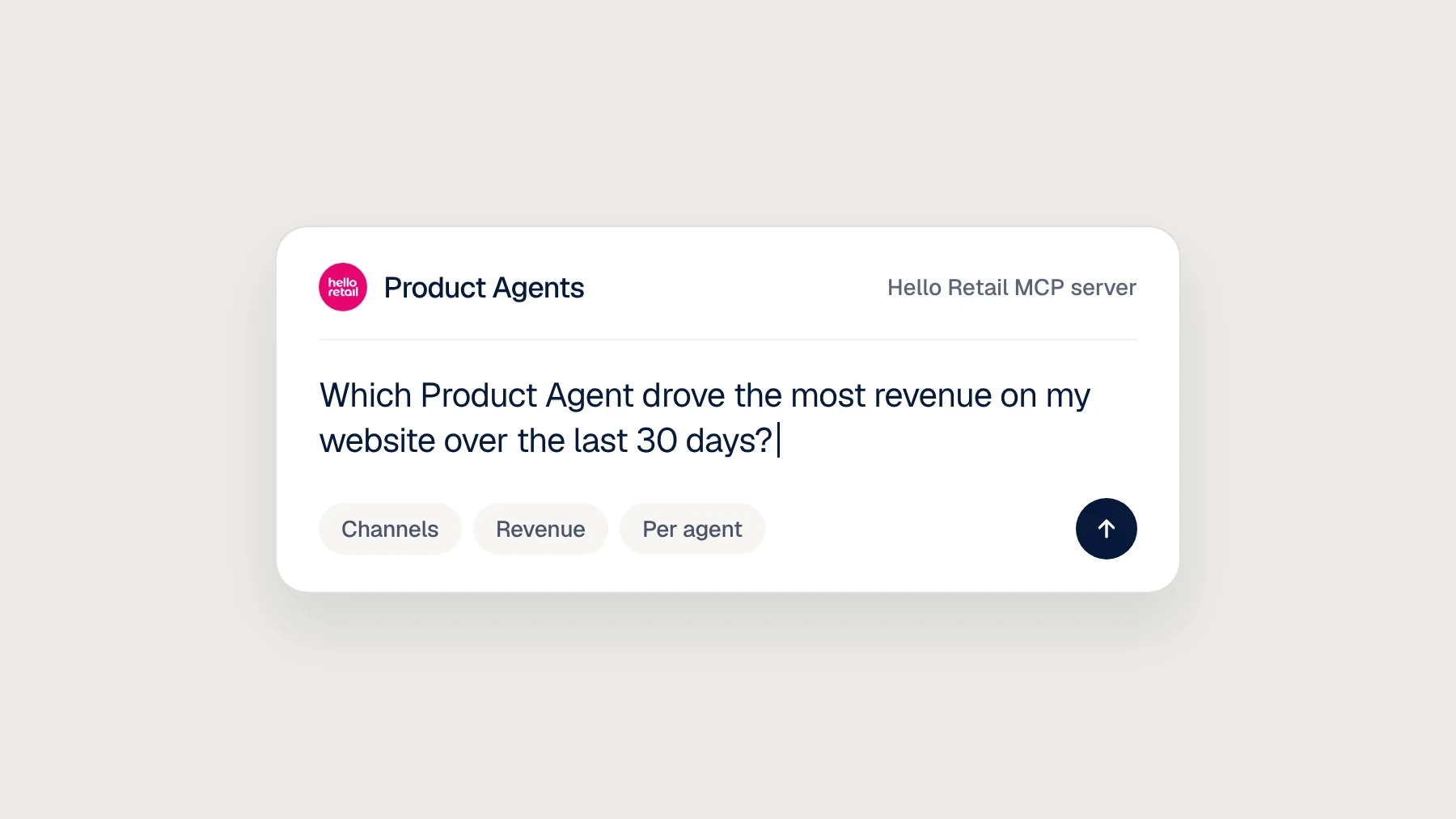
Product Agents analytics are now in the Hello Retail MCP server. Ask your AI assistant how your agents are performing and get the same numbers you see on the Product Agents Analytics page.
Why it matters
Once Product Agents are running, the questions are simple. Which agent earns the most? Are messages turning into revenue? Did last week dip? Now you can ask in plain language and get the answer straight back, in the same conversation where you adjust your agent settings.
What you can ask for
- Channels. See where your agents send from, a Klaviyo account or a webhook, and whether each channel is ready for reporting.
- Totals. Messages sent, revenue, conversions, revenue per message, and click, open, conversion, and unsubscribe rates for any period up to 13 months.
- Per agent. Each agent ranked by revenue, so the strongest and weakest stand out.
- Day by day. Messages sent and revenue for each day in the period.
A good first request:
Which Product Agent drove the most revenue on my website over the last 30 days?
Good to know
Klaviyo channels need a conversion metric before results show up. Set it in My Hello Retail under Product Agents, then Analytics. If you’re unsure which one to pick, it’s likely “Placed orders”.
Every tool, with ready-to-paste prompts, is in the developer docs.
