
MCP tools now cover Pages, Product Agents, and Newsletter Content
The Hello Retail MCP server now reaches page designs and configs, Product Agents settings, and Newsletter Content designs, with analytics for each. Page edits land as drafts you publish yourself. Newsletter designs save straight away.
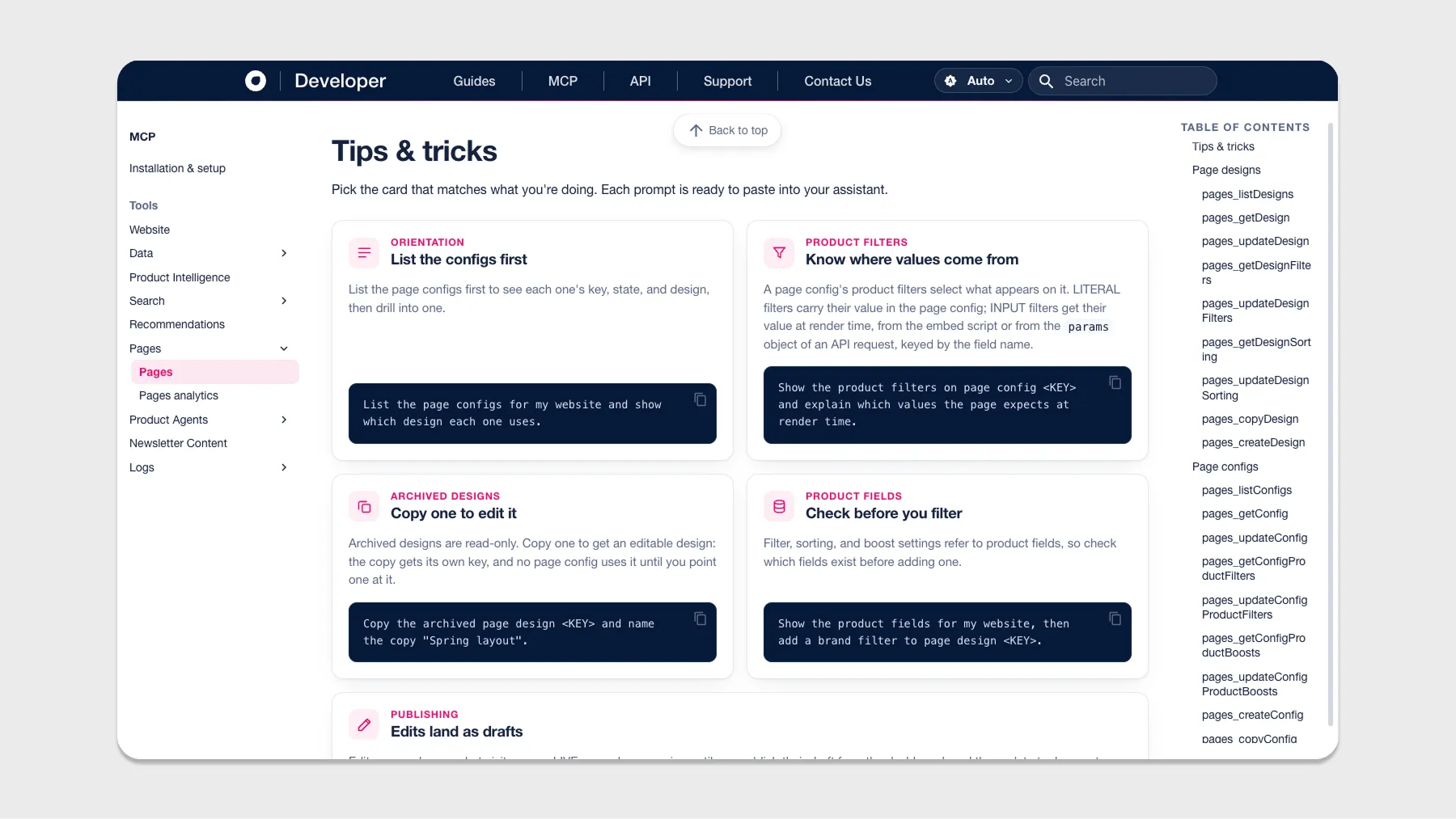
The Hello Retail MCP server now covers Pages, Product Agents, and Newsletter Content. Ask your AI assistant to read the designs, settings, and analytics behind all three, and to change them on request.
What’s new
- Pages. Read and edit page designs and page configs, including filters, sorting, and boosts. A separate tool reports page performance metrics.
- Product Agents. Turn agent features on or off, including the Replenishment Reminder, and monitor agent performance data.
- Newsletter Content. Edit newsletter template designs, start from a starter template, and render a design to check it before it goes out.
Before you change anything
Two behaviours are worth knowing. Page edits land as drafts, so live pages keep serving until you publish from the dashboard. Newsletter designs work differently: they have no draft state, so a save is immediately the design’s only version. Saves never rewrite newsletters that have already gone out.
Getting started
You’ll need your Company ID, in my.helloretail.com under the profile icon (top-right) then Company Profile, and then a website UUID, because every other tool needs one. Tools are read-only unless their description says otherwise, and write-enabled tools ask for confirmation first.
A good opening request:
List the websites for my company and show me each one’s UUID.
Every tool, with tips and ready-to-paste prompts for each one:
