
Connect Hello Retail to Claude, ChatGPT, and OpenAI Codex
The Hello Retail MCP server lets AI assistants call your Hello Retail data as tools. Ask in plain language and get answers pulled straight from your search analytics, product data, and templates.
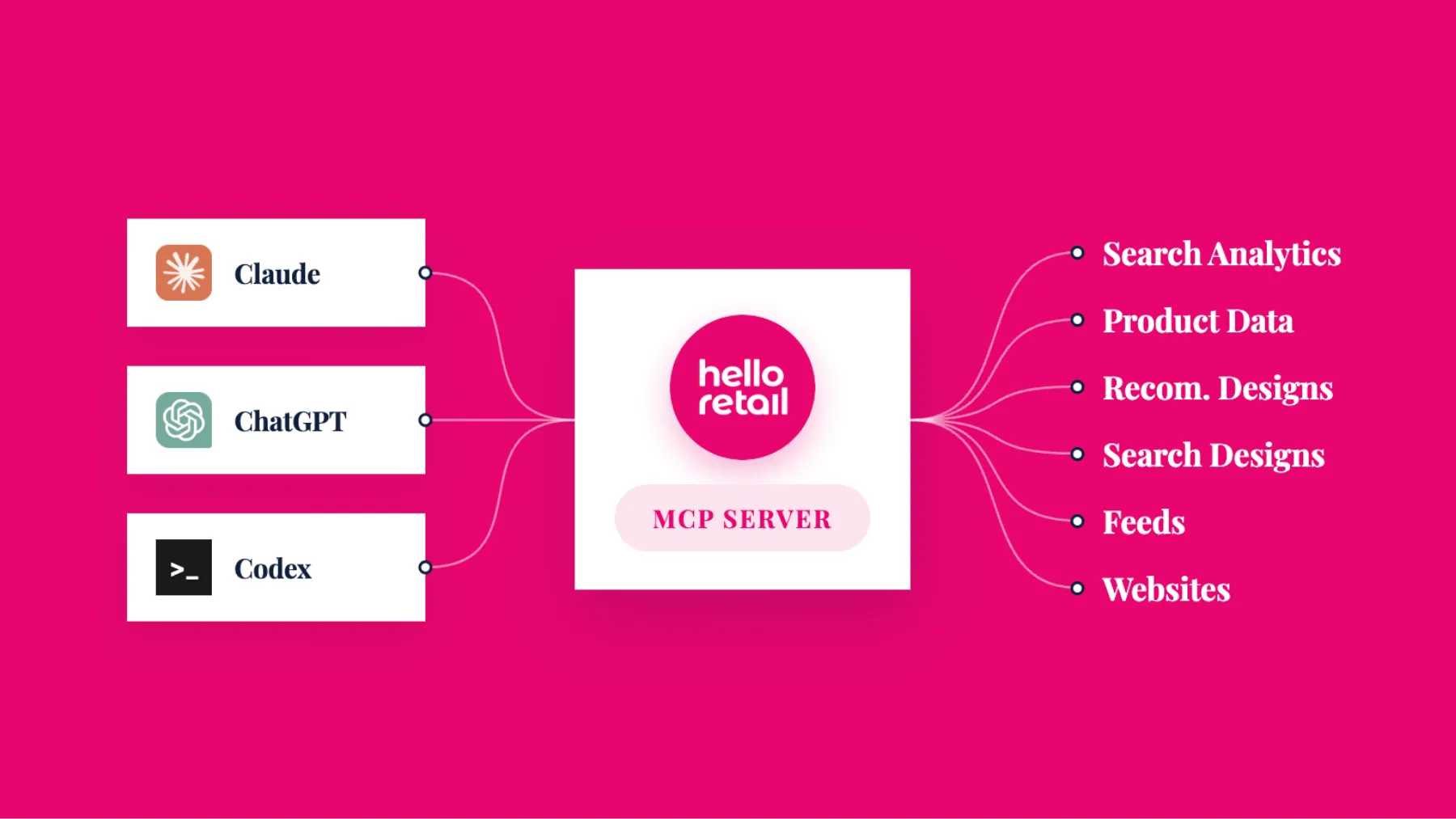
You can now connect Hello Retail directly to AI tools like Claude, ChatGPT, and OpenAI Codex using the Model Context Protocol (MCP). Ask your assistant a question in plain language and get an answer pulled straight from your Hello Retail data.
Why it matters
Most of what you’d want to know about your store already lives in Hello Retail: what customers search for, which queries come back empty, how your product feed is syncing, what’s in your search and recommendation templates. Getting to it usually means opening the dashboard and clicking through reports.
MCP puts that data one question away inside the AI tools your team may already be using. Instead of navigating screens, you ask, and the assistant calls the right Hello Retail tools to answer. The assistant works out which tools to use and in what order, so a single plain-language request can pull together several pieces of data.
What you can ask for
The MCP server exposes seven categories of tools:
- Website management: list your company’s websites and their configurations.
- Search: read and edit search templates.
- Search analytics: analyze zero-result queries, top searches, and filter and sort usage.
- Feeds: see the sync status of your last product feed.
- Product data: view indexed product information and pricing.
- Data fields: identify which product and content fields are searchable and sortable.
- Recommendations: read and edit recommendation templates.
Which assistants are supported
The integration works with Claude (Code, Desktop, and Projects), OpenAI Codex, and ChatGPT.
How access and permissions work
On first connection, the integration uses OAuth login, and the token is reused until it expires, so you’re not pasting API keys around. Most tools are read-only. The write-enabled tools, such as editing a search or recommendation template, ask for confirmation before they run, so nothing changes without your say-so.
Getting started
You’ll need your Company ID, which lives in my.helloretail.com under the profile icon (top-right) then Company Profile. Once connected, a good first request is:
List the websites for company <your company ID>.
From there you can use a returned website to explore its search or analytics tools. Full setup steps for each assistant live in the developer docs:
Read the MCP setup guide at developer.helloretail.com/mcp
What’s next
More MCP tools are actively rolling out. If the tool you’re looking for isn’t available yet, check the developer docs again soon.
