
How long does personalization implementation take?
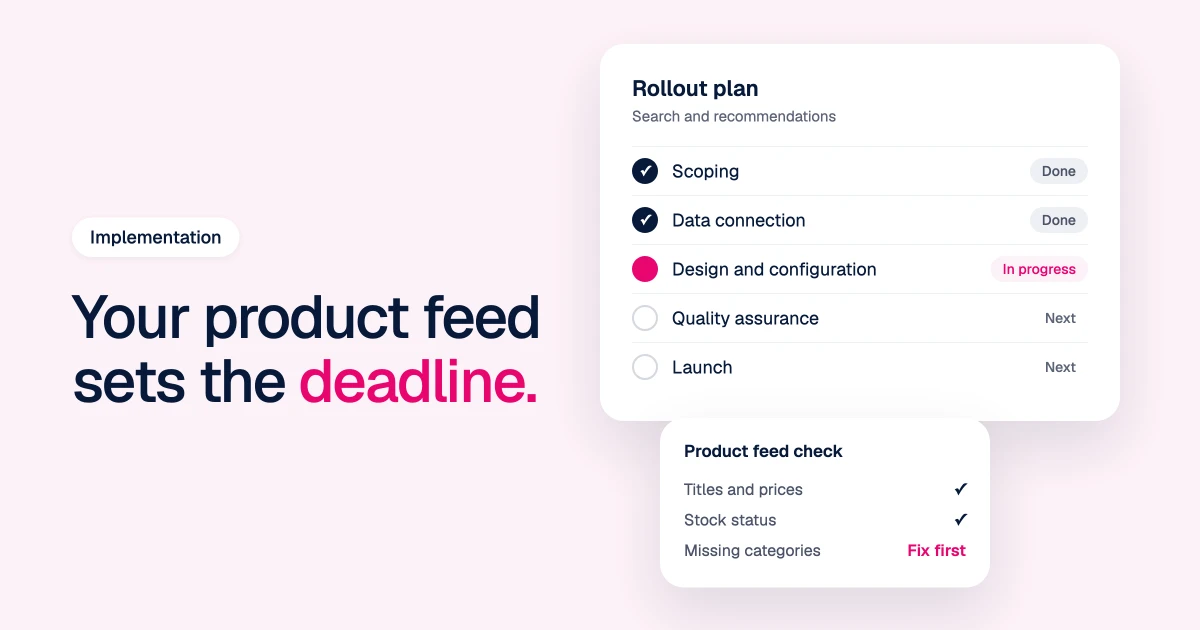
“How long will this take?” is one of the questions we hear most in sales meetings. Fair enough. Plenty of ecommerce teams have sat through an IT project that ran twice as long as promised.
It depends on your shop, and we can tell you exactly what it depends on. Implementation time for an ecommerce personalization platform comes down to how clean your product data is, how the platform connects to your store, how much you launch at once and how much time your own team has. A focused launch of one product, such as Product Agents or search, finishes far sooner than a rollout across site, email and ads.
Most Hello Retail implementations go live within weeks. On standard platforms such as Shopify, WooCommerce, Magento and PrestaShop, a developer adds the Hello Retail script to the shop, and that step takes days rather than weeks. Where your project lands in that range comes down to the four factors below. Our post on getting ecommerce personalization live in weeks walks through the setup step by step.
What sets your timeline
A personalization platform sits between three things: Your product catalog, your storefront and the way your shoppers behave. Each of those connections can be quick or slow.
- Product data: A feed with consistent titles, categories, prices, stock status and images is ready to use. Missing attributes or duplicate variants have to be cleaned up first, and that cleanup often takes longer than the technical setup.
- Store integration: On Shopify, the scripts go into the theme’s template files. WooCommerce, Magento and PrestaShop stores install them with a plugin, extension or module. Heavily customized or headless storefronts need more developer time.
- Scope: One product on one channel is a small project. Add email and ad placements and you get more templates, more approvals and more testing.
- Your team’s calendar: Developer hours, design sign-off and a named owner on your side shape the schedule as much as the vendor’s software does.
What a typical rollout looks like
The durations differ from shop to shop. The order rarely does.
- Scoping: Pick the first use case and the metric that defines success, such as conversion rate on search sessions or revenue from recommendation clicks.
- Data connection: Connect the product feed and install tracking, so the platform can learn from browsing, search and purchase behavior.
- Design and configuration: Match placements and result layouts to your theme and brand.
- Quality assurance: Check that results are correct, that out-of-stock products are handled and that pages still load quickly.
- Launch and monitoring: Release to all traffic or to a test group, then watch the metric you chose.
- Tuning: Adjust rules, merchandising and placements as real shopper data comes in.
Steps one to five get you a working launch.
Step six never really ends. Plan for that from the start by giving personalization a permanent owner on your team.
Where projects stall
Delays come from the same few places, over and over.
- Nobody owns it: Without an owner on the merchant side, approvals sit in inboxes.
- The catalog needs fixing: Missing attributes weaken results, so teams stop mid-project to clean up the feed.
- Too much in the first release: Every extra channel adds its own round of testing and sign-off.
- Speed is checked too late: Extra scripts can slow pages down. Deloitte’s Milliseconds make millions study found that a 0.1 second improvement in mobile site speed lifted retail conversion rates by 8.4%. Test load times before launch.
Where your AI tool can take work off the project
Hello Retail has an MCP server, a connection that lets the AI tool your team already uses, such as Claude, ChatGPT or OpenAI Codex, work on your Hello Retail setup when you ask. If MCP is new to you, start with what MCP is. It signs in with your own Hello Retail account, and no API key is copied between systems.
Several rollout steps then become requests in plain language: Connect the product feed and check last night’s feed run, give your recommendation boxes a new design, ask why search returns nothing on your own frontend, or fix the searches that find nothing. The tool asks before each change, and most changes land in a draft that someone on your team publishes in My Hello Retail.
The storefront itself is still developer work, and clean product data matters as much as before. Our guides on connecting your AI tool to your store and what your AI tool can change cover the setup and the safeguards.
Why it’s worth doing properly
Shoppers have already raised the bar. McKinsey research on personalization found that 71% of consumers expect companies to deliver personalized interactions, and 76% get frustrated when that doesn’t happen. The same research found that faster-growing companies drive 40% more of their revenue from personalization than slower-growing counterparts.
So teams rush. A rushed rollout on poor product data then shows shoppers irrelevant products, which is the exact experience they were frustrated by in the first place. A short, well-scoped first phase gets you live sooner and keeps what shoppers see worth looking at.
Five ways to shorten the timeline
- Start with one product. Many new customers start with Product Agents, which send product-aware messages such as price drop and back-in-stock alerts through your email platform. Search and recommendations on the site can follow once the script and product feed are running.
- Audit the catalog before kickoff. Fix titles, categories and stock flags first, so the feed is ready on day one.
- Name an owner and a developer contact. Two people with clear authority remove most of the waiting.
- Let your developers read ahead. Hello Retail publishes API references at developer.helloretail.com and product guides at support.helloretail.com, so your developers can prepare before the first call.
- Pick a vendor whose upgrades aren’t projects. In October 2026, we upgraded the engine behind Hello Retail Search so results load around 40% faster, with daily average total search latency now at 100-120ms. It went live for all Search customers with setup, design and settings untouched and nothing to configure.
The short version
Pick your first use case. Audit your product feed. Name an owner.
Those three decisions set your schedule more than any vendor promise. For the wider picture of how search, recommendations and email work together, read our guide to ecommerce personalization.
Keep reading
Improve Klaviyo emails with data
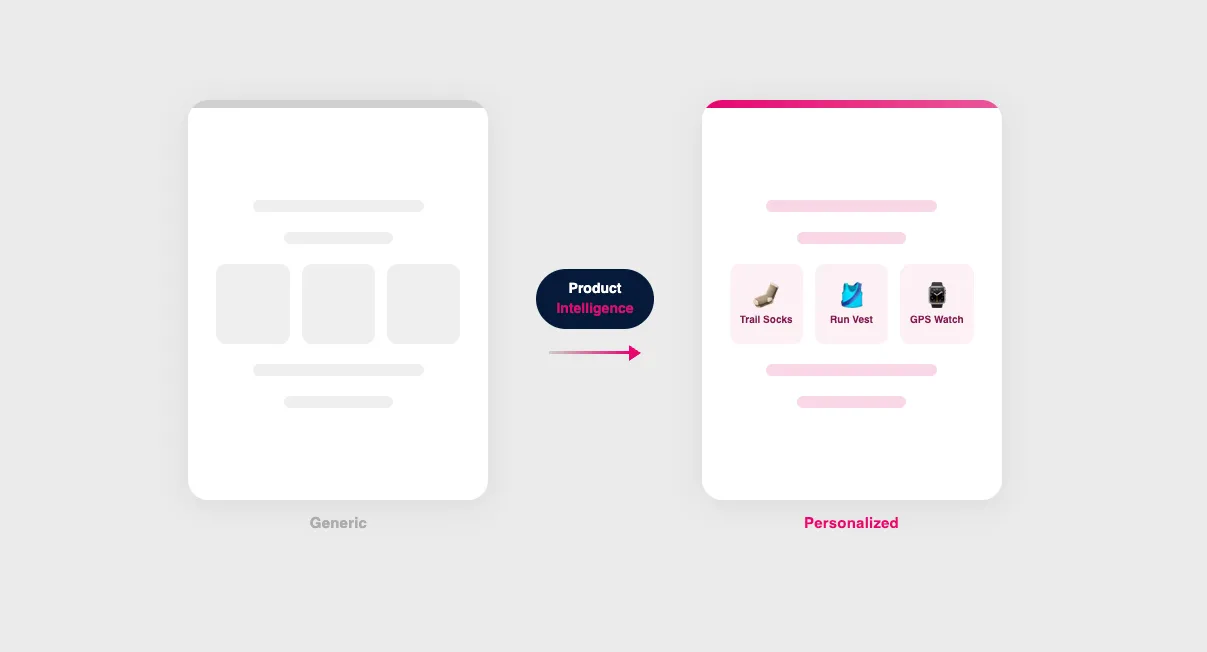
Your Klaviyo flows are solid. But if every abandoned cart email shows the same generic recommendations, you're leaving revenue on the table.
Data driven personalization framework
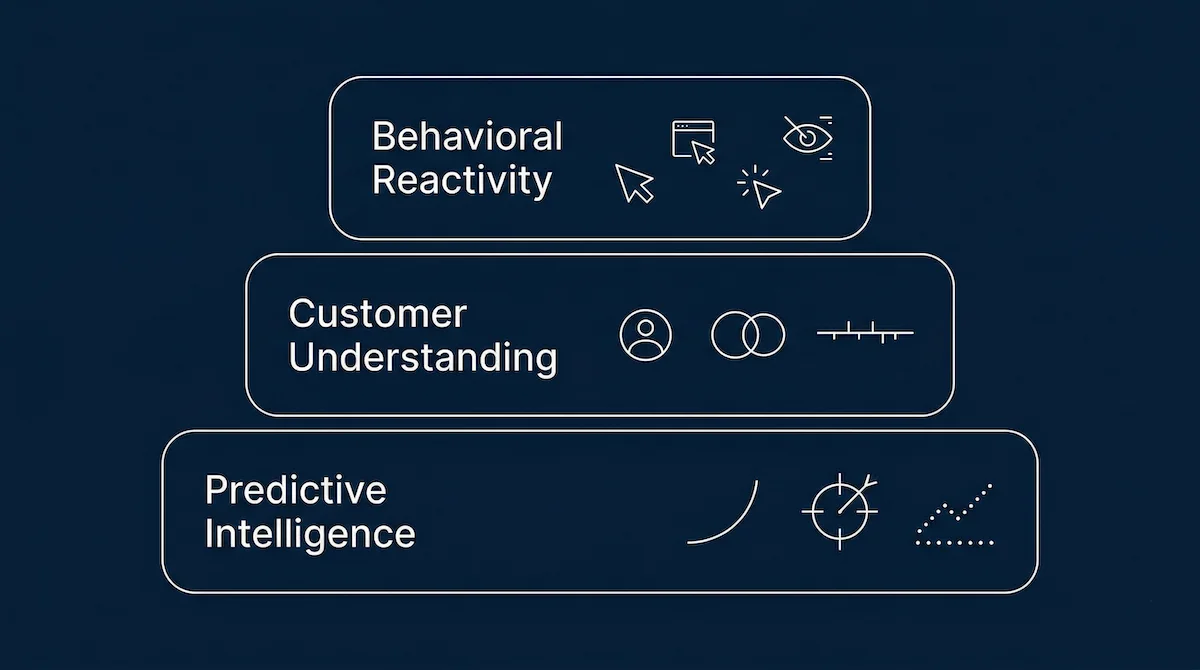
Data driven personalization sounds great in theory. Here's a practical framework for implementing it without a data science team or enterprise budget.