
Ecommerce optimization with AI: How to use the Hello Retail MCP server
Connect Claude or ChatGPT to Hello Retail, and you can ask your store questions in plain words. Below are seven problems it helps you fix, the exact questions to ask, and a five-minute setup.
Seven problems you can fix by asking
Each card shows the problem, the question to ask your assistant and what you get back.
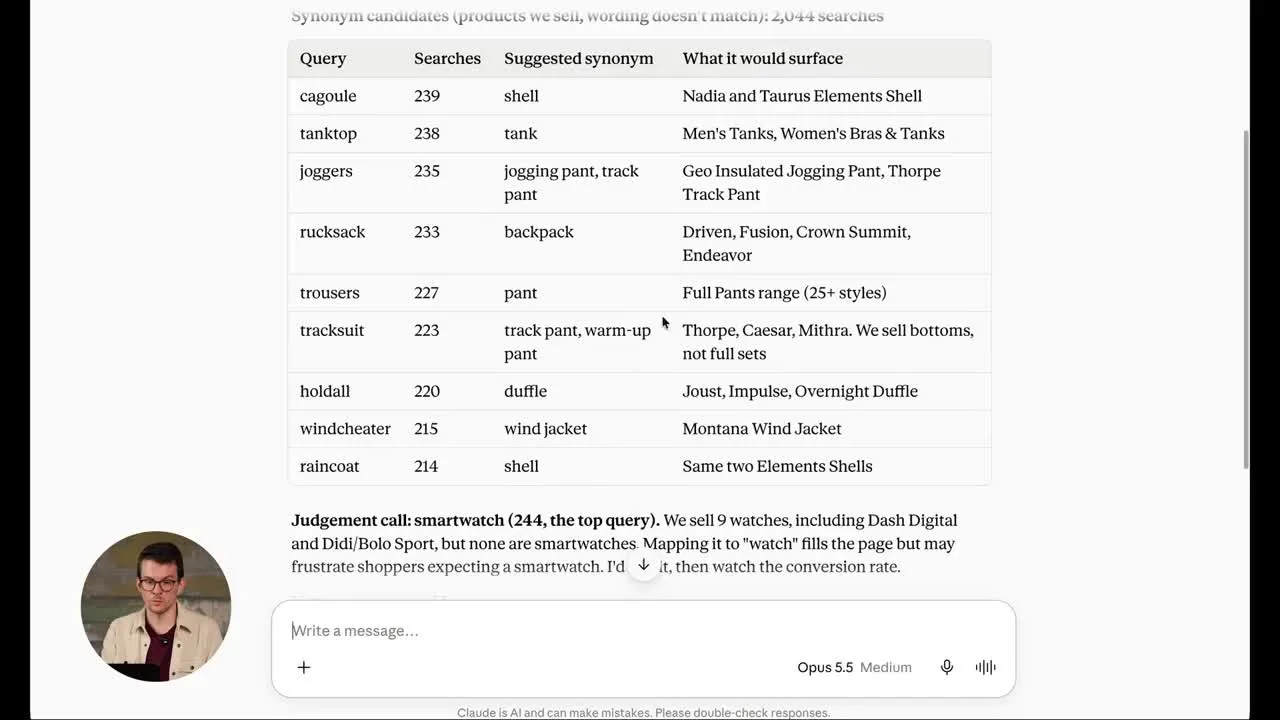
“Shoppers search for things we sell, and find nothing”
Often you do sell it, under another name. They type “couch”, your catalog says “sofa”.
Which searches find nothing, and which of those do we sell?
You get: The empty searches, by volume, sorted into two lists. Products you sell under another name get a synonym, ready for your yes. Products you don’t sell go to your buying team.
“Our recommendations used to work. Now I’m not sure”
Which recommendation box is underperforming, and why?
You get: Your boxes ranked by clicks or conversion. A sudden drop usually means the page changed, so the assistant checks where the box sits. A box that was always weak gets a proven setup suggested.
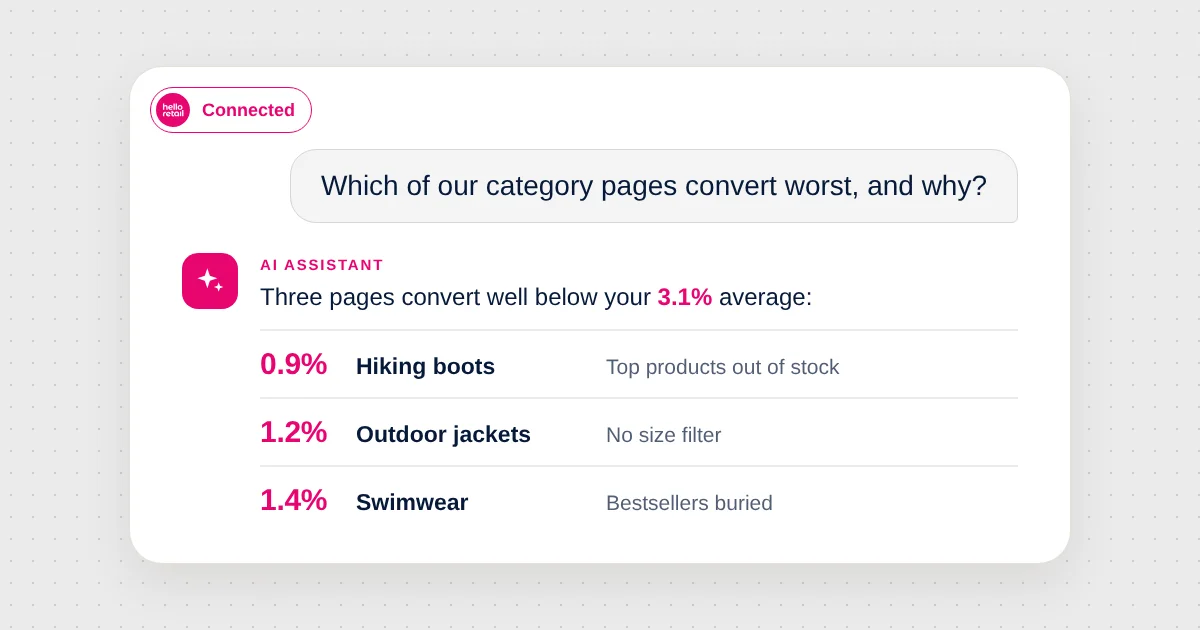
“Our category page gets traffic but doesn’t convert”
Which of our category pages convert worst, and why?
You get: Your pages ranked by conversion, with the URLs that pull the average down, and an offer to lift the category’s best sellers to the top.
“We plan campaigns on gut feeling”
Hello Retail’s Product Intelligence already knows which products sell on which day, in which season and at which discount.
What should we promote this weekend?
What should we push for Christmas?
You get: A ranked product list for the day or season you name, ready to place in search, on a category page or in your next newsletter.
“Our newsletters go out, but which products actually sell?”
Which newsletters and products actually sell?
You get: Your newsletter product blocks ranked by revenue, the products that earned the clicks, and a preview of your next campaign with those products pinned.
Going further: “Start emailing customers about price drops, but only for our own brand” switches on the Price Drop agent in Product Agents for the products you choose.
“A product shows the wrong price, and nobody knows why”
Why does this product show the wrong price?
You get: The price Hello Retail holds today, when it changed and where the change came from. If a feed run failed, you get which run and why.
“Results dropped, and nobody remembers what changed”
Who changed our search setup last, and what did they change?
You get: Which settings changed, by whom and when, next to the performance of the feature that changed.
Watch it live. In the Fall Release 2026 webinar, our product team runs four live demos in Claude, from a monthly performance report to a Halloween search design.
How it works
You ask
Describe the problem in your own words, in Claude, ChatGPT or Codex.
The assistant digs in
It calls Hello Retail tools to pull your data, explains what it found and suggests a fix.
You decide
Approve the change. Most changes wait as drafts until you publish them.
The connection is the Hello Retail MCP server, which gives your assistant a set of Hello Retail tools to call. It is free for Hello Retail customers. You sign in with your own Hello Retail login, so the assistant gets exactly the access your account has.
Set it up in five minutes
You need: A Hello Retail login, your Company ID (in My Hello Retail, click the profile icon, then Company Profile) and Claude, ChatGPT or Codex.
Every assistant connects to the same server URL:
https://core.helloretail.com/mcpClaude
- Open Settings, then Connectors, then Add custom connector.
- Name it “Hello Retail”, paste the server URL and click Add.
- Sign in when the Hello Retail login opens.
ChatGPT
- Open Plugins, click Add and choose Add custom MCP server.
- Name it “Hello Retail”, paste the server URL and choose OAuth as the authentication.
- Click Create as a plugin, then Connect Hello Retail, and sign in.
- In a new chat, type
@and pick Hello Retail.
On a ChatGPT workspace plan, an admin may first need to allow custom MCP servers.
Claude Code and Codex
Developers will find the commands on the setup page in the developer docs.
Your first question
List the websites for my company. My Company ID is …
Then pick a website and ask about any of the problems above.
How changes stay safe
Nothing publishes by itself
Search, Recommendations and Pages changes land in a draft. You publish them in My Hello Retail.
You choose what needs a yes
Each tool is labeled read-only or write. In your assistant’s connector settings, let read-only tools run freely and have write tools ask you first.
A few changes apply on save
Newsletter Content, search synonyms and query rules. Ask to see the current setup first, so you can always go back.
Tips for better answers
- Name the store if you run more than one website.
- Give a period: “Last 30 days compared to the 30 before.”
- Ask for the why: “Explain it so I can share it with my team.”
- Check the numbers that matter. Ask the assistant where a figure came from.
New to MCP?
MCP (Model Context Protocol) is an open standard for connecting AI assistants to other software. A company publishes an MCP server, a set of tools for its product, and your assistant (Claude, ChatGPT or Codex) connects to it as a client. Through the Hello Retail MCP server, the assistant can look things up and prepare changes the way you would in the dashboard. For more, read MCP and APIs for ecommerce or what to ask an AI assistant about your store.
What your assistant can work with
| Area | What it can do |
|---|---|
| Search | Analytics, synonyms, rules, filters, design |
| Recommendations | Performance per box, strategies, placements, designs |
| Pages | Category page performance, product order |
| Product Intelligence | Rank products by day, season and discount |
| Newsletter Content | Product blocks, campaigns, results |
| Product Agents | Turn agents on or off, tone of voice, results |
| Retail Media | Campaigns, drafts for review, performance |
| Product data and feeds | Prices, stock changes, feed runs |
| Logs | Who changed what, and when |
Need a hand?
- Setup and the full tool list: Visit developer.helloretail.com/mcp
- Your account or a feature: Email support@helloretail.com
Keep reading
 Solutions
Current email-marketing pain points: Why relevance is the missing piece
Email inboxes are crowded and most marketing messages go ignored or trigger unsubscribes, making relevance the core email-marketing pain point for ecommerce brands.
 Solutions
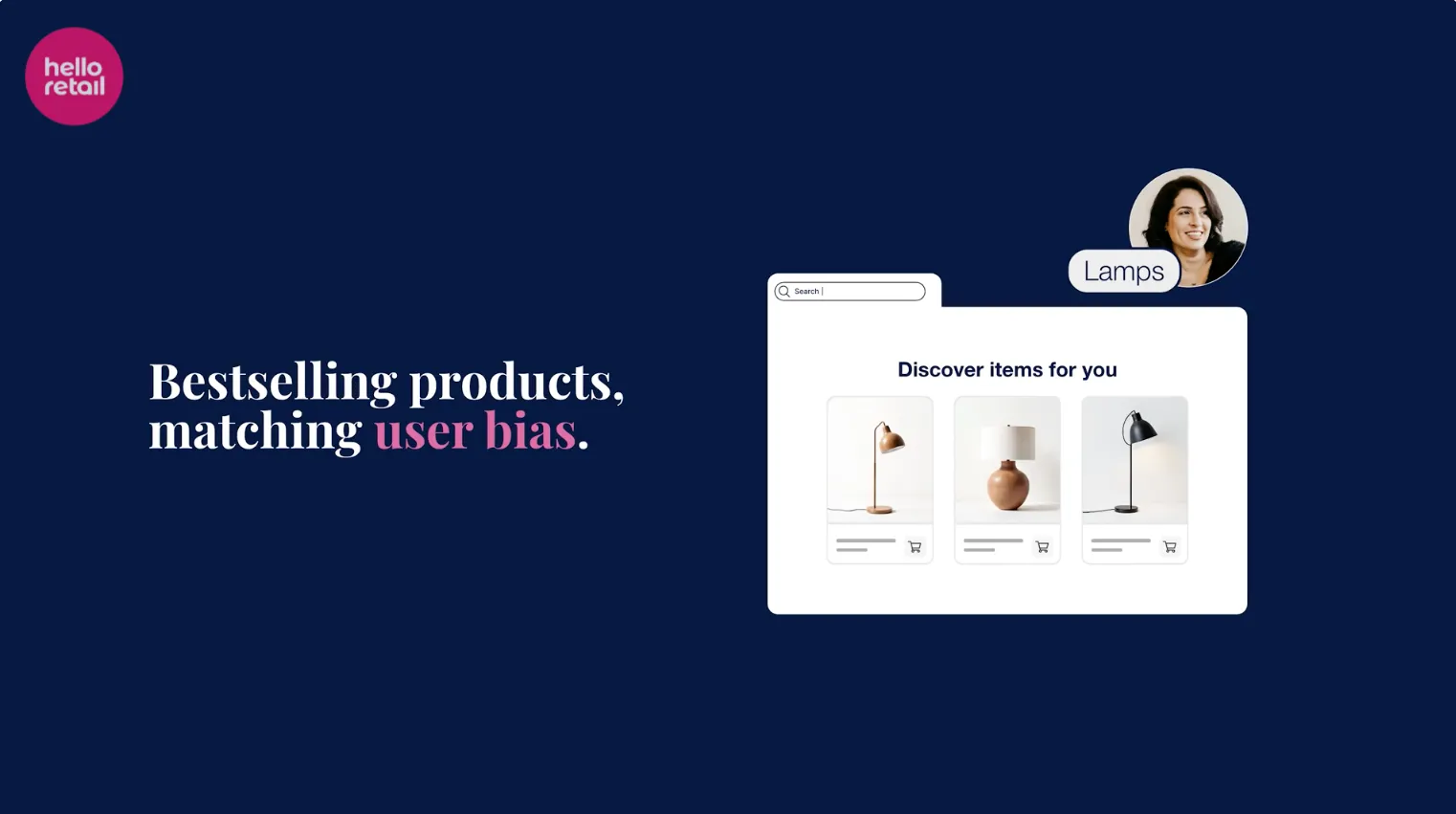
Initial content in search: Advanced personalization at the zero-query moment
Initial content in search shows personalized product suggestions the instant a shopper clicks the search bar, before they type a character, now with per-shopper algorithm control.
