
Triggered emails: the ecommerce marketer's complete guide
Triggered emails: the ecommerce marketer’s complete guide
You send a monthly newsletter to your entire list. Open rates are fine. Click rates are acceptable. Revenue attribution looks decent.
Then you set up a single abandoned cart email and it outperforms your entire newsletter program.
That’s not a fluke. That’s the difference between broadcasting and responding. Triggered emails work because they arrive when the customer is already thinking about you.
What makes triggered emails different
A batch email is a megaphone. You decide when to send it, who receives it, and what it says. The customer’s current context is irrelevant.
A triggered email is a response. Something happens — a customer abandons a cart, browses a category, makes a purchase — and the system sends a relevant message at the right moment.
The timing difference alone explains most of the performance gap. A customer who left items in their cart 45 minutes ago is in a fundamentally different mental state than a customer who receives your Tuesday newsletter. One is actively considering a purchase. The other is checking email between meetings.
But timing is just the foundation. The real power of triggered emails comes from relevance. Every trigger carries information about what the customer did, what they’re interested in, and what they might do next.
The triggers that actually matter
Not all triggers are created equal. Some drive significant revenue. Others create noise. Here’s where to focus.
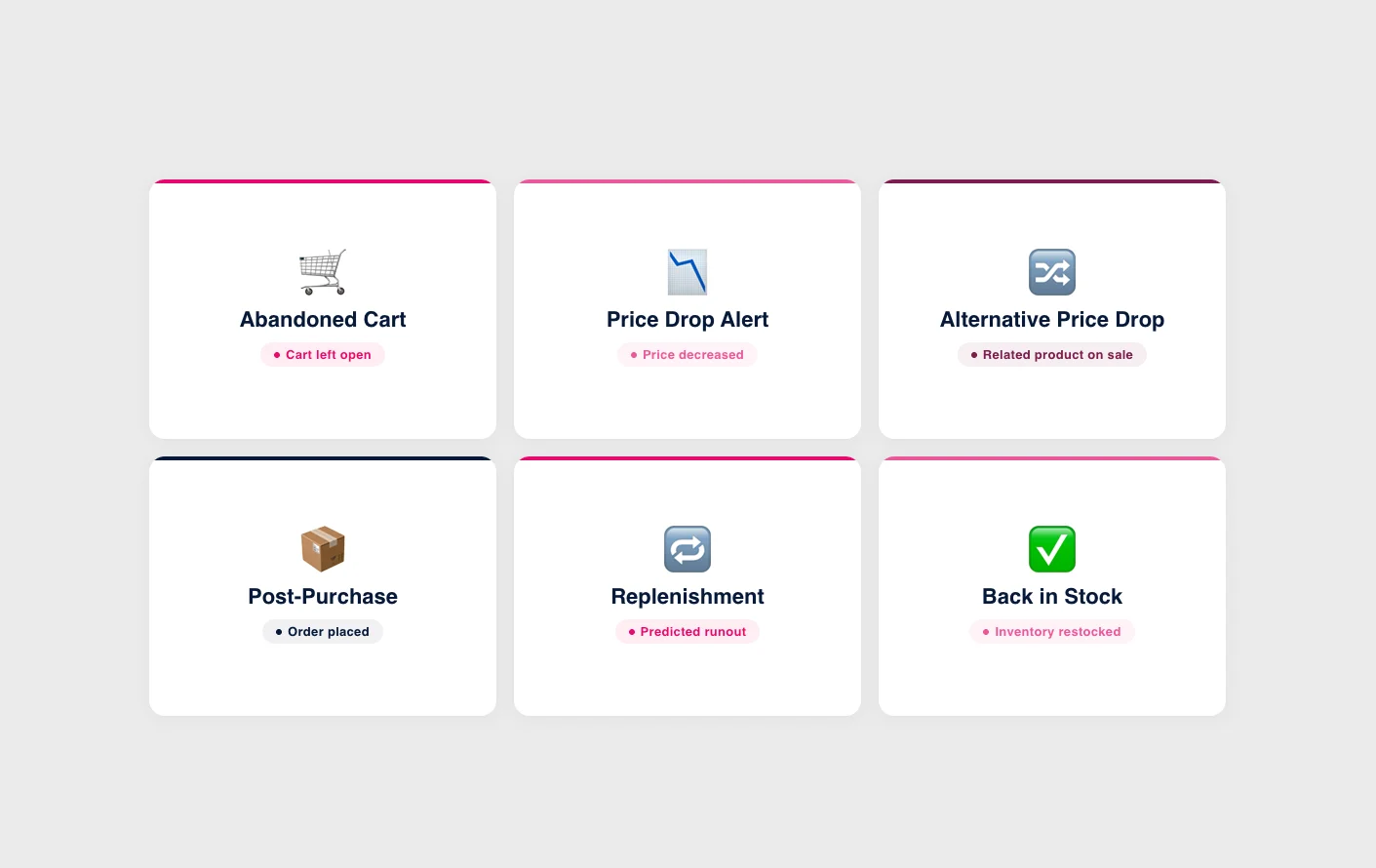
Abandoned cart
The most well-known trigger, and for good reason. A customer selected products, initiated checkout, and stopped. The intent signal doesn’t get much stronger than that. The job of the email is simple: remind them what they left behind and make it easy to complete the purchase.
Where teams go wrong: sending the email too late (24 hours is too long — 30-60 minutes is the sweet spot) or turning it into a discount delivery mechanism that trains customers to abandon deliberately.
Browse abandonment
A customer viewed specific products but didn’t add anything to their cart. The intent is real but weaker than cart abandonment. The email shouldn’t push for an immediate sale. Instead, it should help: show related products, highlight features they might have missed, or provide social proof.
Post-purchase
The moment after a customer buys is when they’re most receptive to your brand. A well-crafted post-purchase sequence can turn a one-time buyer into a repeat customer. This includes order confirmation (make it useful, not just transactional), shipping updates, product care tips, and — at the right interval — suggestions for complementary products.
Price drop and back-in-stock
These are pure value triggers. A customer showed interest in a product. The product is now cheaper or back in stock. Sending this notification isn’t marketing — it’s a service. The conversion rates reflect that.
Replenishment reminders
For stores selling consumable products, replenishment reminders are among the highest-performing triggers. A customer bought a 30-day supply of vitamins. Sending a reminder around day 25 feels helpful, not intrusive. The key is calculating the timing from actual purchase patterns, not arbitrary intervals.
The data layer makes or breaks everything
Here’s where most triggered email programs stall. Setting up the triggers is the easy part. Every major email platform — Klaviyo, Omnisend, Brevo — offers trigger-based automations out of the box.
The hard part is the data behind the triggers.
A basic abandoned cart email shows the products left in the cart. That’s fine. A great abandoned cart email shows the cart products alongside personalized alternatives that match the customer’s price range and style preferences. That requires product data, behavioral data, and a recommendation layer that connects them.
The same principle applies to price drop alerts. A basic version notifies the customer that a product they viewed is now cheaper. A sophisticated version goes further — if the product they viewed never goes on sale, but a similar product in the same category does, the system can surface that alternative at the lower price. Instead of letting interest fade when the exact product doesn’t drop, the conversation continues at category level.
This is where the distinction between email platforms and product intelligence platforms matters. Your email tool handles delivery and automation. Your product intelligence layer handles the “what to show” question — which products are genuinely related, which price changes are meaningful, and which alternatives match the customer’s original intent. When both work together, triggered emails stop feeling like automated messages and start feeling like relevant conversations.
Building your triggered email stack
If you’re starting from scratch, here’s the order that maximizes impact:
| Phase | Trigger | Notes |
|---|---|---|
| Week 1–2 | Abandoned cart | Two-email sequence: 45 min (no discount), 24h (urgency or social proof). Add a discount only in a third email at 48h if needed — test whether you even need it. |
| Week 3–4 | Post-purchase | Care or usage tips email 3–5 days post-delivery, then a cross-sell recommendation based on what other customers who bought the same product also purchased. |
| Month 2 | Browse abandonment | Wait until you have enough behavioral data. Wrong product suggestions actively hurt the brand. |
| Month 3+ | Lifecycle triggers | Price drop alerts, back-in-stock, replenishment reminders. Require product data infrastructure tracking pricing, inventory, and purchase cycles. |
Common mistakes
| Mistake | Fix |
|---|---|
| Over-triggering | Set frequency caps and suppression rules — six emails about one cart abandonment is too many. |
| Generic content | Triggered emails earn the right to be personal. If it looks like your newsletter, you’re wasting the opportunity. |
| Ignoring the unsubscribe signal | High spam rates mean your frequency, relevance, or timing is off — not that the customer is wrong. |
| Treating all customers the same | Segment by lifecycle stage — a first-time visitor and a loyal customer need different messages for the same trigger. |
How this connects to Hello Retail
For stores using Klaviyo, Hello Retail’s Product Agents integrate directly, enriching triggered emails with product recommendations that go beyond “frequently bought together” rules, and expanding possibilities with triggers such as “Price Drop for Alternatives” for more relevant emails.
The result isn’t more emails. It’s better emails — sent at the right time, with the right products, to the right people.
Key takeaways
- Triggered emails work because they respond to customer behavior rather than broadcasting on a schedule
- Start with abandoned cart and post-purchase before adding more complex triggers
- The data layer matters more than the platform — product intelligence turns generic triggers into personalized responses
- Avoid over-triggering and generic content — segment by lifecycle stage and set frequency caps
Keep reading
 Industry Tips
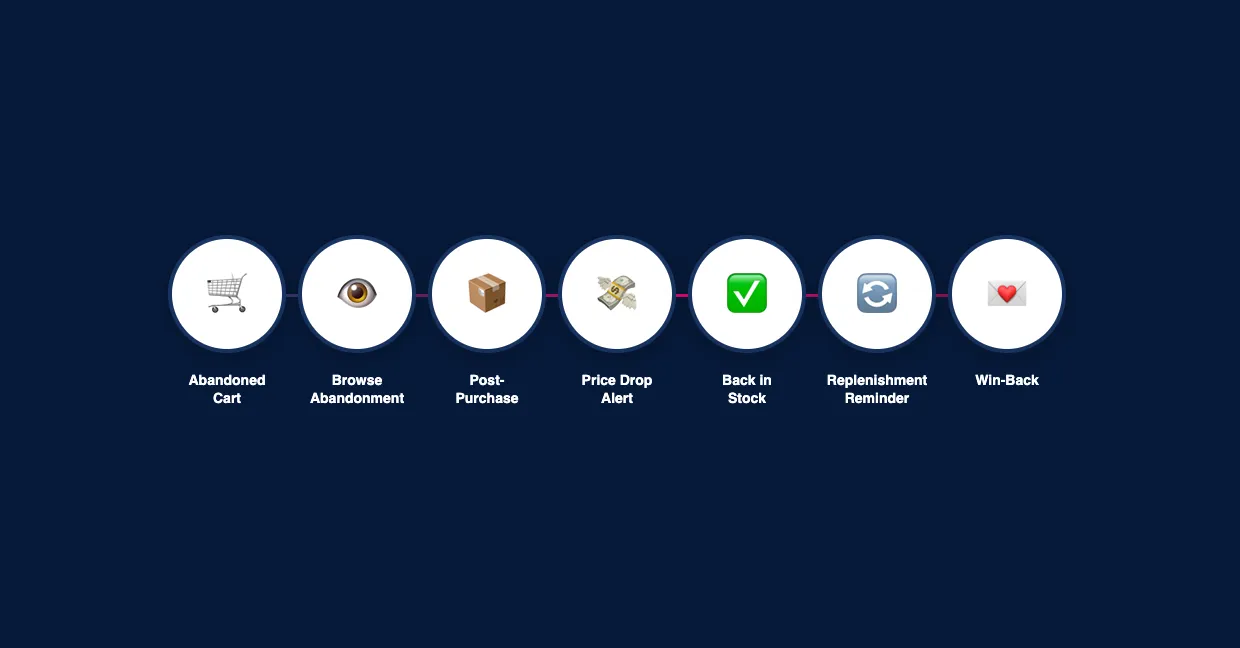
 7 triggered emails for ecommerce
Not all triggered emails are equal. These 7 types consistently outperform batch campaigns and most stores aren't using half of them.
 Industry Tips
 Replenishment reminders: the complete guide for ecommerce
Customers run out of products on predictable schedules. Replenishment reminders turn that predictability into repeat revenue.
 Industry Tips
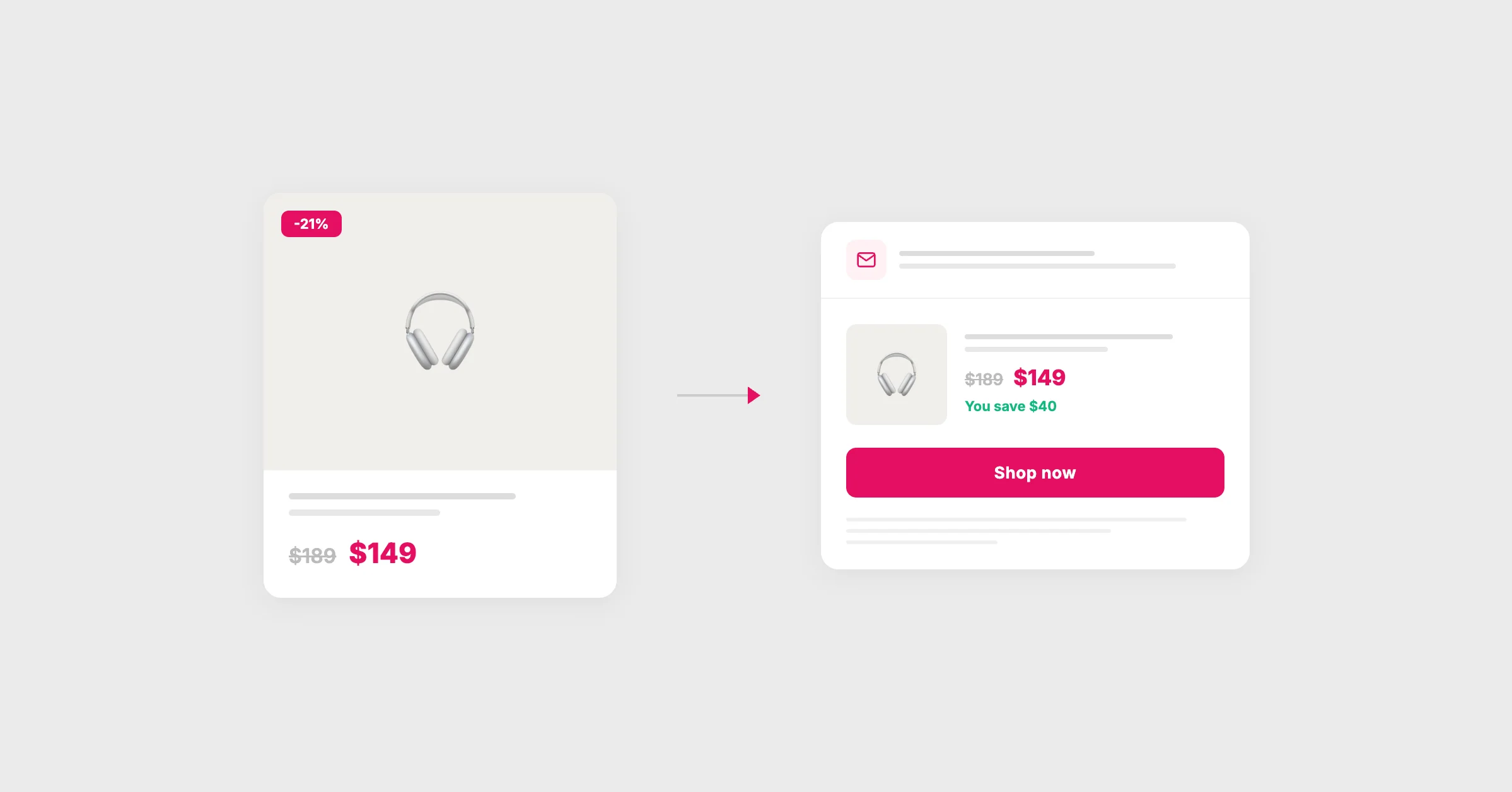
 Price drop alerts with Klaviyo
Price drops happen constantly in your catalog. Alerting the right customers at the right time turns markdowns into revenue instead of margin erosion.