
Search analytics: Find hidden revenue
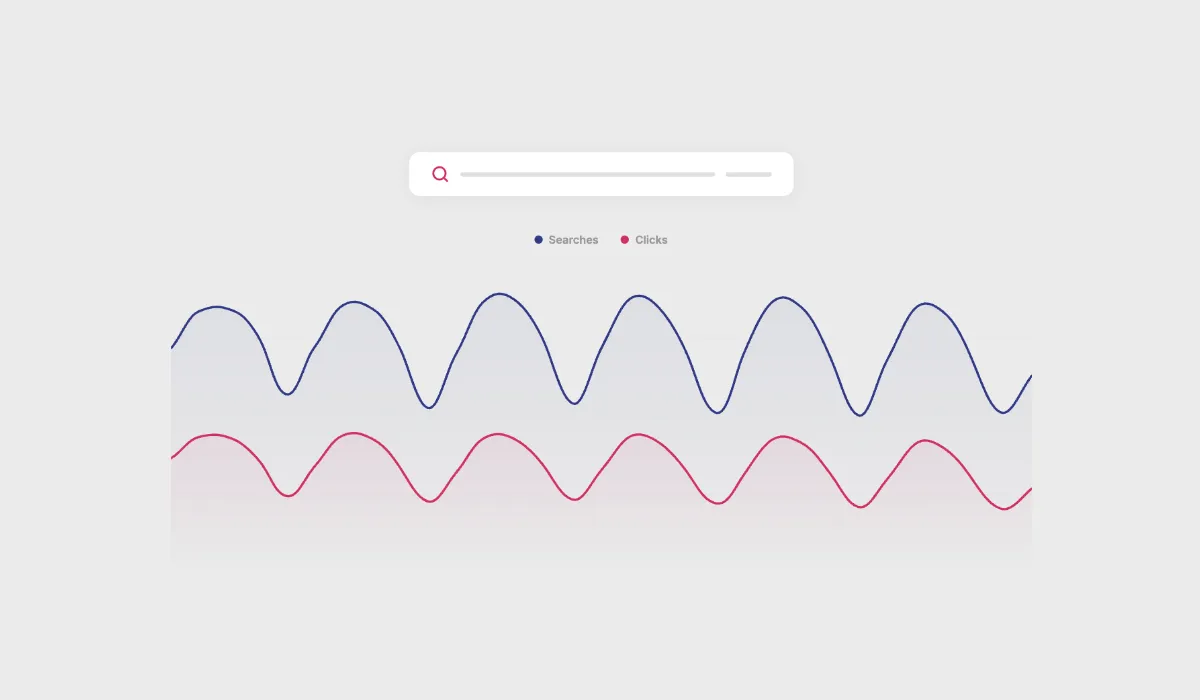
Your customers are telling you exactly what they want to buy. Every search query is a declaration of intent. “Red running shoes size 43.” “Wireless earbuds under 50.” “Hypoallergenic dog food.”
Most ecommerce teams glance at their top search terms once a quarter and move on. That’s like reading the first page of a book and claiming you’ve finished it.
A site search analytics dashboard is the most underused revenue tool in ecommerce. Here’s how to actually use it.
What a search analytics dashboard should show you
Not all search dashboards are created equal. A basic one shows your top search terms and maybe a conversion rate. A useful one gives you layers of insight.
Search terms and per-query performance
The starting point: what are people searching for, and how is each term performing? Hello Retail’s analytics shows every search term alongside its key metrics: click-through rate, number of clicks, revenue generated, and conversion rate. The value isn’t in knowing which terms are popular in isolation. It’s in comparing performance across terms to spot where intent isn’t converting.
Zero-result searches
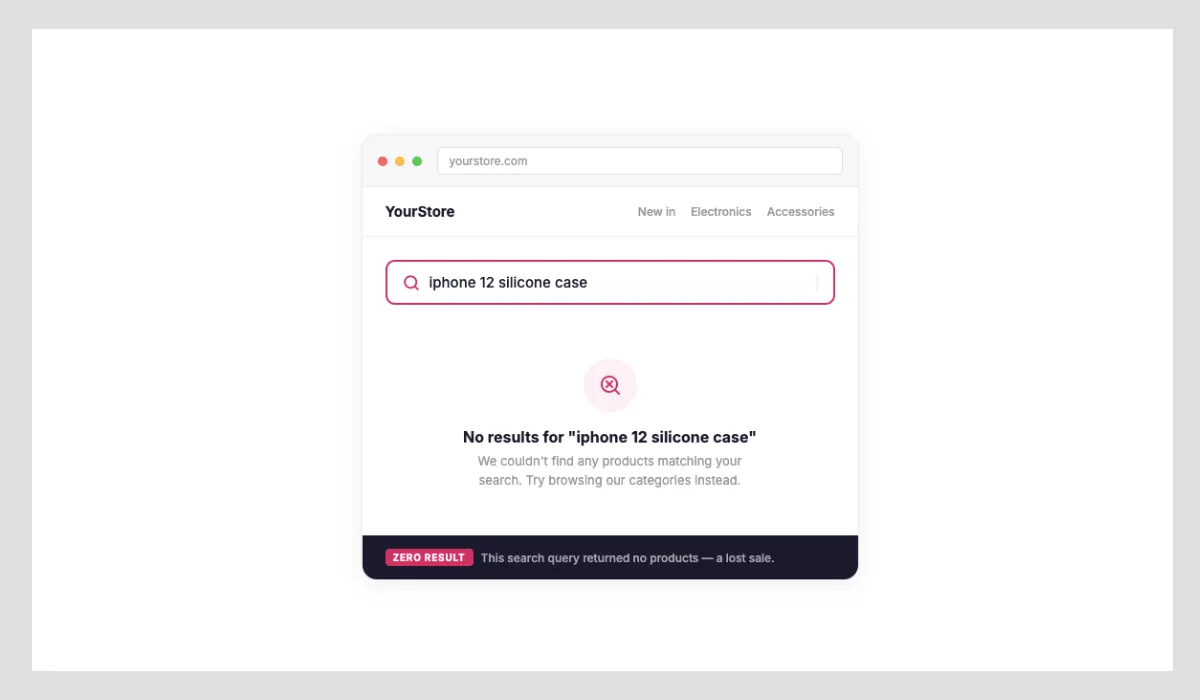
This is where the real money hides. A zero-result search means a customer asked for something and your store said “we don’t have that,” even when you might.
Sometimes zero results mean you genuinely don’t carry the product. That’s catalog gap intelligence worth acting on. More often, it means your search system doesn’t recognize the customer’s language. They searched for “sneakers” but your catalog calls them “trainers.” They searched for “BBQ grill” but your products are listed as “outdoor grills.”
Every zero-result search is either a lost sale or a vocabulary lesson. Both are valuable. What makes Hello Retail’s dashboard particularly useful here is that you can add synonyms directly from the analytics table, with no need to jump to a separate configuration page. You see the term, you add the synonym, and the fix is live.
Non-converting searches
A zero-result search is easy to diagnose: your store returned nothing. Harder to spot, and often more impactful, are searches where customers got results, clicked through, and still didn’t buy.
These non-converting searches are a signal that something is wrong further down the funnel. The product appears relevant, but the page doesn’t close the sale. Common causes: a size or variant is out of stock, product information is incomplete, or pricing is out of step with what the customer expected. Identifying these terms and investigating the product pages behind them is one of the highest-leverage actions a merchandising team can take.
Click-through and conversion by query
Search conversion rate is the metric that connects intent to revenue. If “wireless earbuds” gets 1,000 searches and a low conversion rate, while “bluetooth earbuds” gets 200 searches and a much higher conversion rate, that tells you something important about how your catalog and search results are structured.
Low search-to-click rates usually mean the results aren’t matching intent. Low click-to-purchase rates usually mean the products match the query but something else (price, reviews, availability) isn’t meeting expectations.
Filter and sorting usage
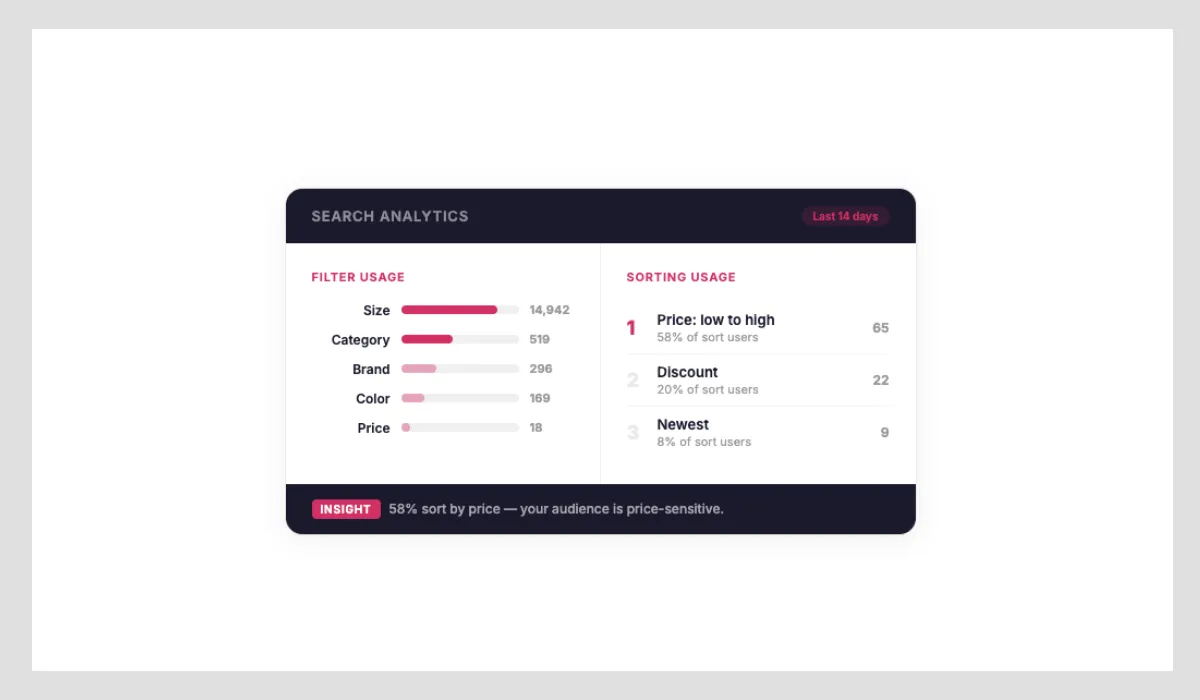
How customers interact with filters and sorting tells you a lot about how well your default results are working. Hello Retail’s dashboard shows you which filters visitors are using, and how many turn to sorting after landing on a results page, including which sort order they prefer (price ascending, newest, most popular, and so on).
This matters for two reasons. First, heavy filter usage often means your initial results are too broad: customers are narrowing down because the defaults aren’t precise enough. Second, if a large proportion of visitors immediately sort by price ascending, that’s a clear signal about the price sensitivity of that audience. Default sort order and filter prominence are levers you can adjust to reduce the friction between search and purchase.
Five things to do with your search data
1. Fix your vocabulary gaps
Pull your zero-result report regularly. Group the terms into categories: genuine product gaps, synonym mismatches, and typo patterns. The synonym mismatches are quick wins, and in Hello Retail’s dashboard, you can add synonyms directly from the analytics table without leaving the page. Fix the term, recover the revenue.
2. Identify underperforming terms
High search volume with low revenue or a low conversion rate is a red flag. It means customers are interested but something is breaking down: the results, the product pages, or the pricing. Use the per-query performance table to find terms where click volume is healthy but revenue isn’t following. These are your highest-priority optimization targets.
3. Optimize your product listings
Low conversion on high-volume searches usually points to a content problem. If customers search for “lightweight laptop bag” and your best match is listed as “professional computer carrying case,” the product might be right but the listing is wrong.
4. Inform your merchandising calendar
Search seasonality patterns are more granular than sales seasonality. You’ll see search interest in winter coats shift from “warm winter coat” in October to “winter coat sale” in January. These patterns should drive your promotional timing and homepage merchandising.
5. Feed insights into personalization
Search behavior is some of the strongest personalization signal you can capture. A customer who searches for “organic baby food” and “BPA-free bottles” is telling you about their values and life stage. That context should inform every subsequent interaction: product recommendations, email content, and homepage experience.
This is where a search analytics platform connects with the broader product intelligence ecosystem. Search data in isolation is useful. Search data connected to behavioral data and product data becomes transformative.
The metrics that matter most
If you’re building a search analytics practice from scratch, focus on these five metrics:
- Zero-result rate. Target below 5%. Every percentage point above that represents lost revenue.
- Search-to-click rate. Are results relevant? Benchmark: 40-60% of searches should produce at least one click.
- Search conversion rate. What percentage of searches lead to a purchase? Compare this to your non-search conversion rate.
- Revenue per search. Total search-attributed revenue divided by total searches. This is your north star metric.
- Non-converting search rate. Searches that return results and get clicks, but no purchases. This points to product page problems: missing variants, incomplete information, or uncompetitive pricing.
How this connects to Hello Retail
Hello Retail’s search solution includes a built-in analytics dashboard that tracks all five metrics above, with granular per-query data on clicks, revenue, and conversion rate, plus a zero-result report where you can add synonyms directly without leaving the dashboard.
The analytics aren’t only retrospective. They feed directly into the search algorithm. Patterns identified in the dashboard inform how results are ranked, which synonyms are applied, and how personalization adapts to individual behavior.
For ecommerce teams that have outgrown basic platform search, the analytics layer is often the deciding factor. You can’t improve what you can’t measure.
Key takeaways
- Zero-result searches are your biggest quick win: fix vocabulary gaps and recover revenue that’s walking out the door. You can add synonyms directly from the analytics table.
- Non-converting searches (results + clicks, no purchase) often reveal product page problems: missing sizes, incomplete information, or pricing that’s out of step with expectations
- Per-query performance data (CTR, clicks, revenue, conversion rate) lets you prioritize where to act rather than guessing
- Track revenue per search as your north star metric, with zero-result rate as your leading indicator
Keep reading
 Industry Tips
GEO for ecommerce: How to get your products cited by AI search engines
68% of US Google searches now end without a click, and AI search converts better than any other channel for retailers. Here's how ecommerce stores use Generative Engine Optimization to get cited when ChatGPT, Perplexity, and Google AI recommend products.
 Industry Tips
Why your bestsellers are killing your profits
Your top 20% of products get all the attention. The other 80% sit there like wallpaper. Here's why the fringe of your catalog is where the margin lives.
 Industry Tips
Improve Klaviyo emails with data
Your Klaviyo flows are solid. But if every abandoned cart email shows the same generic recommendations, you're leaving revenue on the table.