
Replenishment reminders: the complete guide for ecommerce
Replenishment reminders: the complete guide for ecommerce
A customer buys a 30-day supply of protein powder. On day 28, they realize they’re almost out. They search for it on their phone during lunch, get distracted, and forget. By day 32, they’ve ordered from a different store — whichever one appeared first in their search results.
You had the data to prevent this. You knew they bought the product. You knew the typical consumption cycle. You could have sent a reminder on day 25 and made the reorder effortless.
Replenishment reminders are one of the highest-converting email types in ecommerce. They work because they solve a genuine problem at the exact moment the customer is likely experiencing it.
Which products qualify
Not every product in your catalog is replenishable. The candidates share three characteristics:
Consumed through regular use
The product gets used up, worn out, or depleted over a predictable period. Supplements, pet food, skincare products, cleaning supplies, coffee beans, razor cartridges, printer ink. The customer will need more — the only question is when.
Purchased repeatedly by the same customer
Check your purchase data. If a product has a measurable repeat purchase rate (customers buying it more than once within 6 months), it’s a replenishment candidate. The higher the repeat rate, the more valuable the reminder.
Predictable consumption cycles
The interval between purchases should be roughly consistent. Protein powder lasts about 30 days. A tube of toothpaste lasts about 45 days. Dog food bags last proportional to the dog’s size. If consumption timing is completely random, reminders can’t be timed accurately.
Common replenishable categories:
- Health and supplements (vitamins, protein, pre-workout)
- Beauty and skincare (moisturizer, cleanser, SPF, shampoo)
- Pet supplies (food, treats, flea treatment)
- Baby products (formula, diapers, wipes)
- Food and beverage (coffee, tea, cooking staples)
- Household (cleaning products, laundry detergent, trash bags)
- Office (printer ink, paper, batteries)
If your store sells products in any of these categories and you’re not sending replenishment reminders, you’re letting repeat revenue walk to competitors.
Calculating the right timing
This is the hard part — and the part that separates basic reminders from effective ones.
The naive approach
Set a fixed interval based on the product’s typical consumption period. Protein powder = 30 days. Shampoo = 60 days. Send the reminder a few days before.
This works as a starting point. It’s better than nothing. But it treats every customer the same, which means it’s wrong for most of them.
The smart approach
Calculate timing individually based on each customer’s actual purchase history.
A customer buys protein powder every 28 days. Another buys the same product every 35 days — they don’t use it every day, just on gym days. The fixed 30-day reminder arrives too late for the first customer and too early for the second.
Smart replenishment systems look at:
-
The customer’s personal purchase cadence for this specific product. If they’ve bought it three times, the average interval between purchases is the best predictor of when they’ll need it next.
-
The product’s standard consumption cycle as a starting estimate for customers with fewer than two purchases.
-
Adjustments for known disruptions. Did the customer’s last purchase interval deviate from their pattern? Maybe they were on vacation or stocked up during a sale. The system should note the deviation and adjust rather than blindly following the historical average.
-
Product quantity. A customer who buys a 500ml shampoo bottle will run out at a different time than one who buys the 250ml size. Quantity-adjusted timing is more accurate than product-level averages.
This level of calculation requires product intelligence that understands both the product attributes (size, typical consumption rate) and the individual customer’s behavior patterns.
Building the reminder email
Subject line
Keep it functional and specific. “Time for more [product name]?” or “Running low on [product name]?” The customer should immediately recognize why they’re getting this email.
Avoid: “We thought you might like…” or “Check out these great deals.” Replenishment reminders aren’t promotions. They’re utility.
Email body
The product they need to reorder. Show the exact product with image, name, and current price. If the price has changed since their last purchase, mention it (“Still $24.99” builds trust; “Now just $21.99” creates urgency).
A one-click reorder button. The fewer steps between email and purchase, the better. Ideally, clicking the CTA adds the product to cart and opens the checkout. Some stores use pre-filled cart links.
Alternative options. Not heavy-handed cross-selling, but genuinely useful alternatives:
- A larger size (if available) with per-unit savings highlighted
- A subscription option (if you offer subscriptions)
- A bundle with complementary products they’ve also purchased
What to omit: Newsletter content, other promotions, “trending products,” unrelated recommendations. The replenishment reminder is a focused message. Don’t dilute it.
Timing the send
Send the reminder 3-5 days before the predicted runout date. Early enough that the customer can order before they run out (accounting for shipping time). Not so early that the need doesn’t feel real yet.
For products with short cycles (daily supplements, coffee), the window is tighter — 2-3 days ahead. For products with longer cycles (quarterly skincare, seasonal supplements), 5-7 days ahead works better.
Handling edge cases
The customer already reordered
Check purchase history before sending. If the customer bought the product in the last 7 days, suppress the reminder. Nothing undermines trust like reminding someone to buy something they just bought.
The product is out of stock
Don’t remind customers about products you can’t sell them. Either suppress the reminder or pivot: “Your [product name] is temporarily unavailable — here’s a close alternative available now.”
The customer unsubscribed from marketing
Replenishment reminders sit in a gray area between marketing and transactional email. If the customer opted out of marketing, respect that. Some stores classify replenishment reminders as a separate email category with its own opt-in, which is a good practice.
The customer returned the product
If the customer returned their last purchase of this product, don’t send a reminder to reorder it. Check return data before triggering.
Measuring replenishment program performance
Conversion rate: What percentage of replenishment reminder recipients purchase within 7 days? Benchmark: 8-15% for well-timed reminders. If you’re below 5%, your timing or product selection needs work.
Revenue per reminder: Total revenue attributed to replenishment emails divided by emails sent. This is your north star metric.
Reorder capture rate: Of customers who do repurchase the product, what percentage purchased via the reminder vs. independently? This measures how many sales the reminder is genuinely influencing vs. reminding customers who would have bought anyway.
Unsubscribe rate: If the unsubscribe rate on replenishment reminders is higher than your other triggered emails, the timing or frequency is off. Adjust.
Scaling with Product Agents
For stores with large consumable catalogs, manually configuring replenishment timing for each product isn’t practical. This is where automation becomes essential.
Hello Retail’s Product Agents include a Replenishment Reminder agent that automates the entire process:
- Product identification: Automatically identifies replenishable products based on repeat purchase patterns in the data.
- Timing calculation: Computes individual customer consumption cycles from purchase history, adjusted for product quantity and known disruptions.
- Klaviyo integration: Triggers events in Klaviyo when customers approach their predicted reorder date, populating the email with the right product data and personalized alternatives.
The agent learns from each purchase cycle, improving timing accuracy over time. For the first purchase, it uses the product’s aggregate consumption data across the Hello Retail network. By the second or third purchase, it adjusts to the individual customer’s pattern.
This connects to the broader strategy of improving Klaviyo email performance — replenishment reminders add a high-converting trigger type to your existing flow library, and price drop alerts can complement them when the reorderable product happens to be on sale.
Key takeaways
- Replenishment reminders target customers who already bought and will buy again — they work because the need is real and the timing is predictable
- Individual-level timing based on purchase history dramatically outperforms fixed-interval reminders
- Keep the email focused: the product, a reorder button, and one or two alternatives. Don’t dilute with unrelated content.
- Measure conversion rate, revenue per reminder, and reorder capture rate to assess program health
Keep reading
 Solutions
 Hello Retail Wrapped 2025
Time to unwrap all the good things 2025 delivered. For us at Hello Retail, that's all the updates we shipped, the improvements we made, and everything we put out there to help ecommerce teams run better stores.
 Solutions
 We just made personalization in CRO a lot smarter for your store
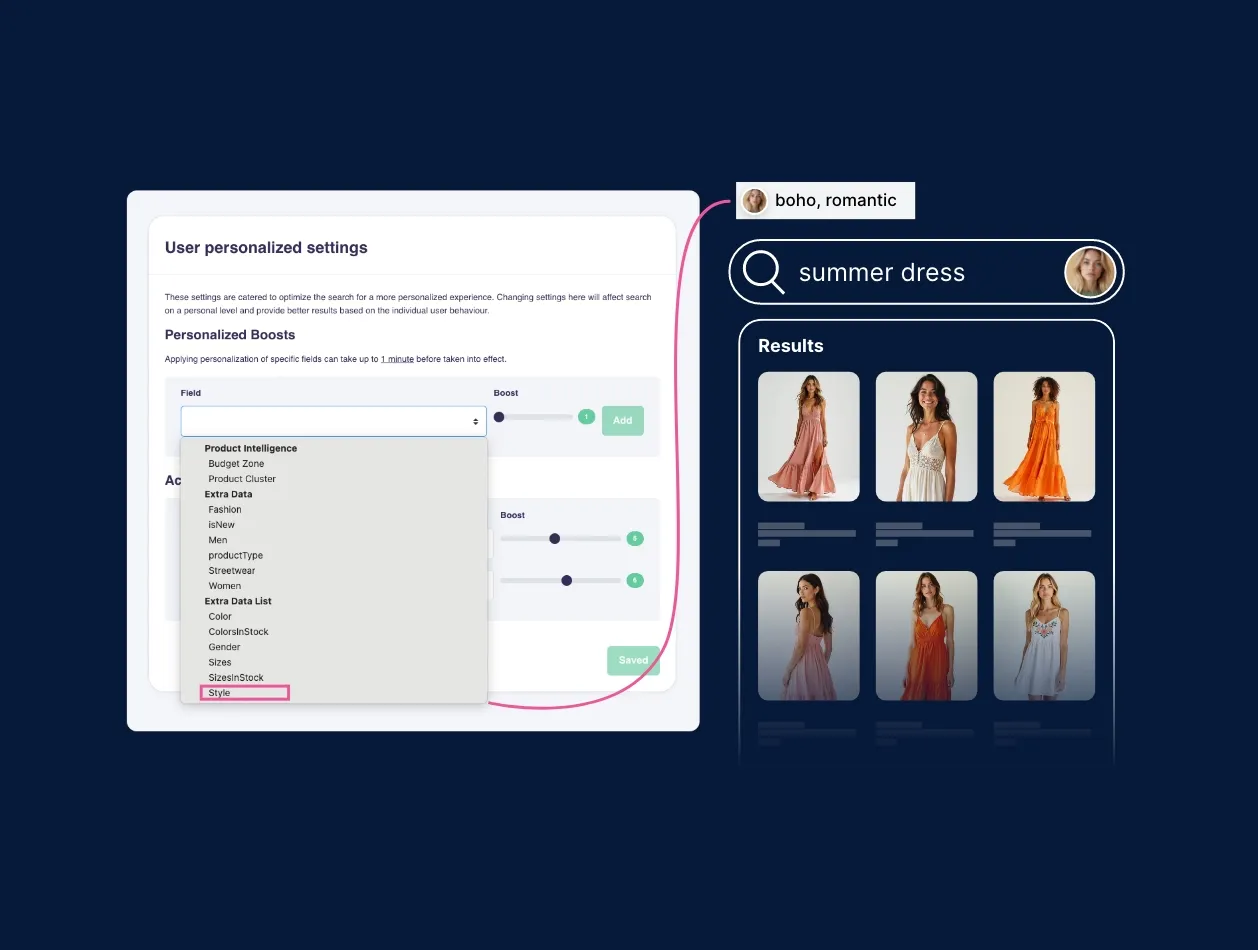
We've just rolled out some powerful updates across our Conversion Rate Optimization (CRO) suite, and they open up a whole new layer of personalization.
Introduction to myHelloRetail dashboard
Get a full overview of the MyHelloRetail Dashboard presented by one of our Customer Success specialists. This information will help you find the crucial information you need when you need it.