
Inside the Product Agents dashboard: Management, control, and results
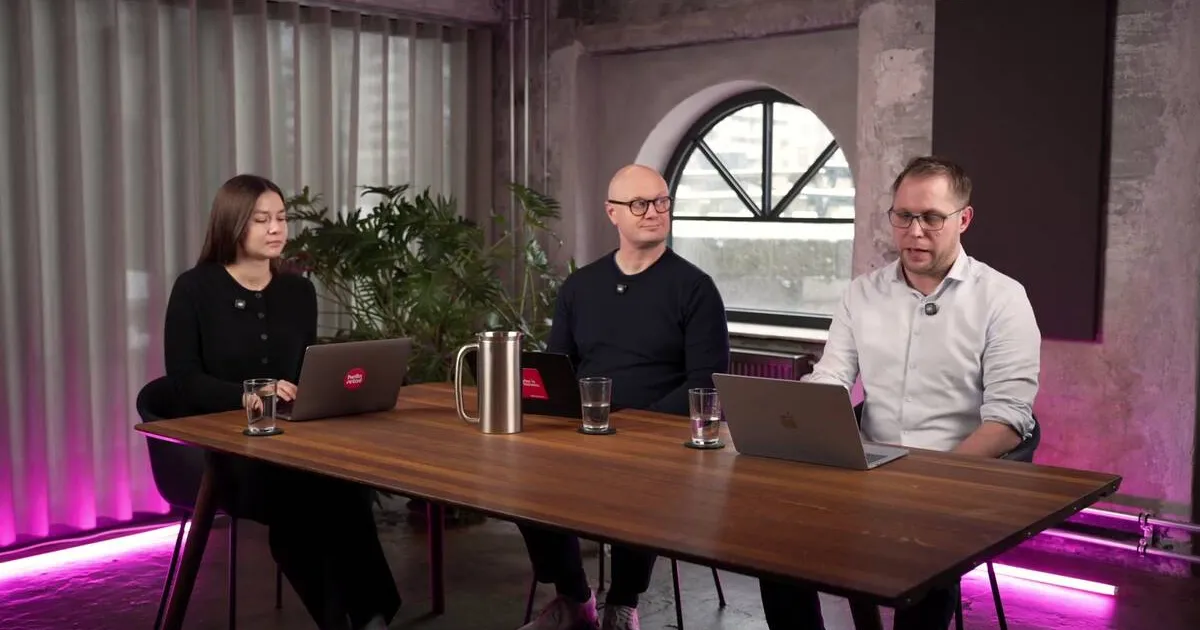
The Hello Retail Product Agents dashboard gives ecommerce teams a single control surface to manage and measure automated email agents. After a lightweight Klaviyo onboarding - a trigger, an email object, and a few drag-and-drop template blocks - merchants land on an overview showing scheduled sends, recent activity, and active agents. The agents page and messages page then provide full visibility into what is running, why each email fired, and what the agents generated.
What each agent email actually contains
Before exploring the dashboard pages, it is worth understanding what actually lands in a shopper’s inbox. Every email Product Agents generates is personalized on two axes at once: the individual shopper and the specific product prompting the send.
That translates to a unique one-to-one subject line for each recipient, a generated headline and body text matched to that product, a call to action that speaks directly to what is being promoted, and optional related-product blocks surfaced alongside the main item. The merchant does not write a single line of copy per send. The agent handles it, and the email goes out through the existing channel setup.
This kind of individualized messaging has a measurable impact. Epsilon’s Power of Me research found that 80% of consumers are more likely to make a purchase when brands offer personalized experiences. McKinsey’s personalization research shows that companies excelling at personalization generate 40% more revenue from those activities than slower-growing peers. The gap between a generic blast and a well-timed, product-specific email is real and compounding.
Getting started: The onboarding flow
The setup for Product Agents is intentionally short. A few prerequisites need to be in place - chiefly the standard Hello Retail shop onboarding - but once that foundation exists, the Klaviyo-specific steps are minimal.
The process runs like this:
- Create an API key in Klaviyo: Set the right permissions and the connection is ready.
- Build the NoFlow flow: In Klaviyo, flows can grow long and intricate. For Product Agents, the requirement is deliberately minimal - a trigger and a single email object. That is the entire flow structure needed to send the first agent-generated email.
- Add predefined blocks to your template: Hello Retail provides ready-made template blocks. Drag them into position in an existing Klaviyo template and the product information, copy, and CTAs populate automatically.
- Set tone of voice: A slider in the onboarding flow lets teams calibrate how the agent sounds - formal, conversational, or anywhere in between. The setting can be adjusted at any time as the program matures and preferences sharpen.
The channel focus at launch is Klaviyo. Other email service providers are on the roadmap; teams working on a different platform can reach out to explore integration options.
Salesforce’s State of the Connected Customer report found that 66% of customers expect companies to understand their unique needs and expectations. A tone-of-voice control that lets a brand sound like itself - rather than like a generic automation platform - speaks directly to that expectation.
The dashboard overview: Confidence at a glance
Once onboarding is complete, the first screen merchants see is the overview page. Its primary job is reassurance: it shows that the agents are already working.
The overview surfaces three things simultaneously:
- Scheduled emails: Messages queued for future sends, so teams can see exactly what is coming.
- Recent sends: A rolling 30-day view of emails that have already gone out.
- Active agents: A summary of which agents are currently enabled on the account.
By the time a merchant reaches this page, Hello Retail has already processed their transaction data. Emails are often already scheduled before the team has finished exploring the interface. The agents start as soon as the onboarding flow completes - the overview page is where merchants confirm that for themselves.
The agents page: Your control surface
The agents page is where teams manage what is running. At launch, six agents are available: three post-conversion agents and three price drop agents. Each agent listing describes what it does, what kinds of products and flows it fits best, and provides the controls to enable or disable it.
For teams that need tighter control over messaging, the prompt for each agent can also be adjusted directly from this page. That makes it possible to tune how an agent frames its communications without touching the underlying Klaviyo flow or rebuilding any templates.
The agents page is the editorial layer above the automation - where decisions about what to run, when to pause, and how to communicate all sit together in one place.
The messages page: Full audit trail of results
Results visibility lives in the messages page. Every email that has been sent or is scheduled appears in a single list, with enough context to understand both the why and the what behind each send.
For each message, teams can see:
- Why the email was triggered: Which agent fired it, and what event or product condition caused the send.
- What was generated: The full subject line and body copy the agent produced for that specific recipient and product.
- Scheduled vs. sent status: At a glance, what has gone out and what is pending.
This transparency serves two purposes. It builds confidence - teams can inspect the logic behind each automated email rather than treating the system as a black box. And it provides the data needed to iterate: if a particular agent’s subject lines look off-brand, the generated copy is there to review and the prompt is adjustable from the agents page.
From setup to results
The thread running through all three pages - overview, agents, messages - is control without complexity. The setup asks for a Klaviyo API key, a minimal flow, and a few template blocks. From there, the agents run, the dashboard shows what is happening, and the messages page records every decision the system made.
Product Agents is designed to work alongside the infrastructure ecommerce teams already have. The first agent emails often appear in the queue before a merchant has finished the onboarding flow. That is the intention: set up once, then let the agents do the work.
Keep reading
Solutions Inside the Product Agents dashboard: Management, control, and results
The Hello Retail Product Agents dashboard gives teams a single surface to manage automated email agents, review scheduled sends, and track every generated email.
 Solutions
 Product Agents explained: Types and automated emails
Product Agents combine behavioral data and Product Intelligence to schedule automated, personalized emails across post-conversion, replenishment, and price drop scenarios.
 Solutions
 Current email-marketing pain points: Why relevance is the missing piece
Email inboxes are crowded and most marketing messages go ignored or trigger unsubscribes, making relevance the core email-marketing pain point for ecommerce brands.